


DO NOT CONVERT THIS BOX TO WORDPRESS
Social Campaign instructions
ATTN Host!
We want to take advantage of the automation feature with the Social Campaigns below. However, we believe that the pre-formatted text we’ve been using is potentially negatively affecting social media engagement on posts pushed through this automated feature. To attempt to resolve this, we’ve provided these instructions for you to follow in leveraging this tool for promoting each episode.
NOTE: on ALL posts DO NOT select “Best Time” – please designate a time you want the post published.
TIP: Use the Castmagic social post feature to assist you with copying ideas.
SAME DAY AS PUBLISH
- Post to:
- LCI FB Page
- LCI FB Group
- YouTube
- <60sec direct address Reel of you explaining what this episode is about. In the description, type: “LISTEN NOW! [link]” – select IG, FB page (LCI + Yours), FB group, Twitter, YouTube
- Link post with a brief explanation about the content of the episode – FB page & group, Twitter
1 DAY AFTER PUBLISH
- Post to:
- LCI FB Page
- LCI FB Group
- YouTube
- Text post: Short mention of the episode + link – FB page & group, Twitter
7 DAYS AFTER PUBLISH
- Post to:
- LCI FB Page
- LCI FB Group
- YouTube
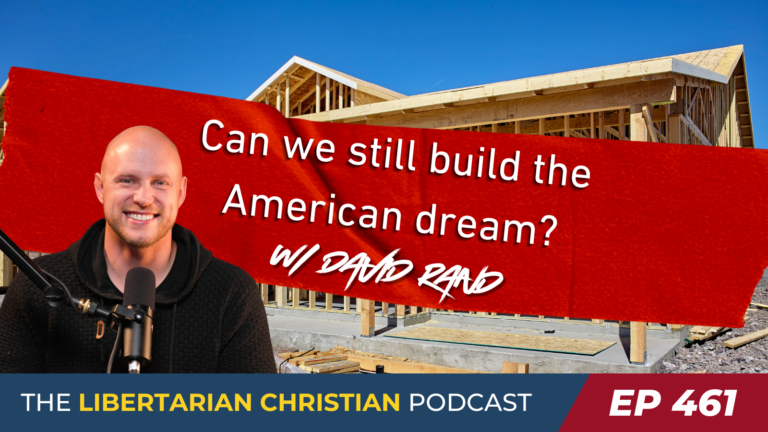
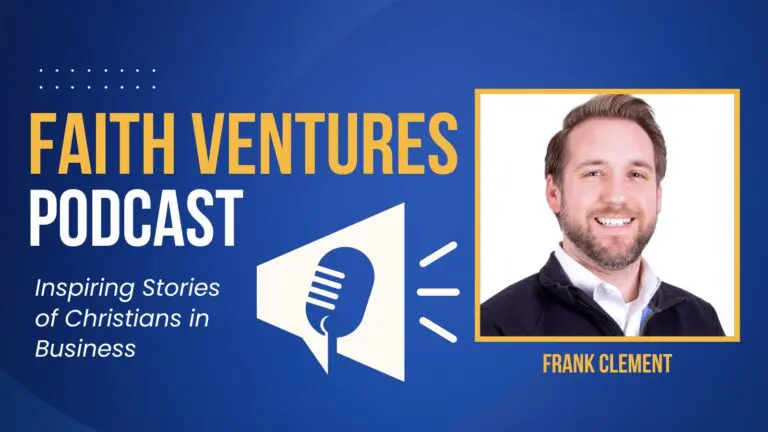
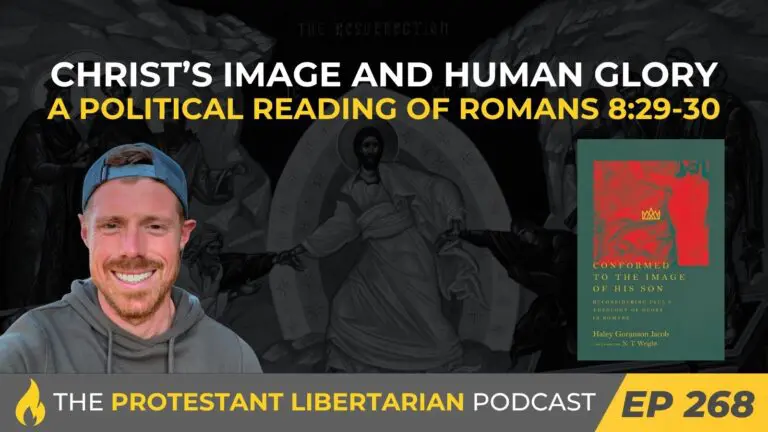
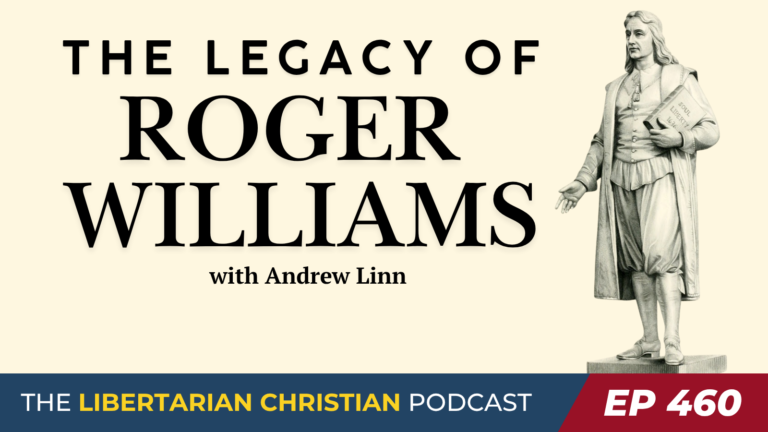
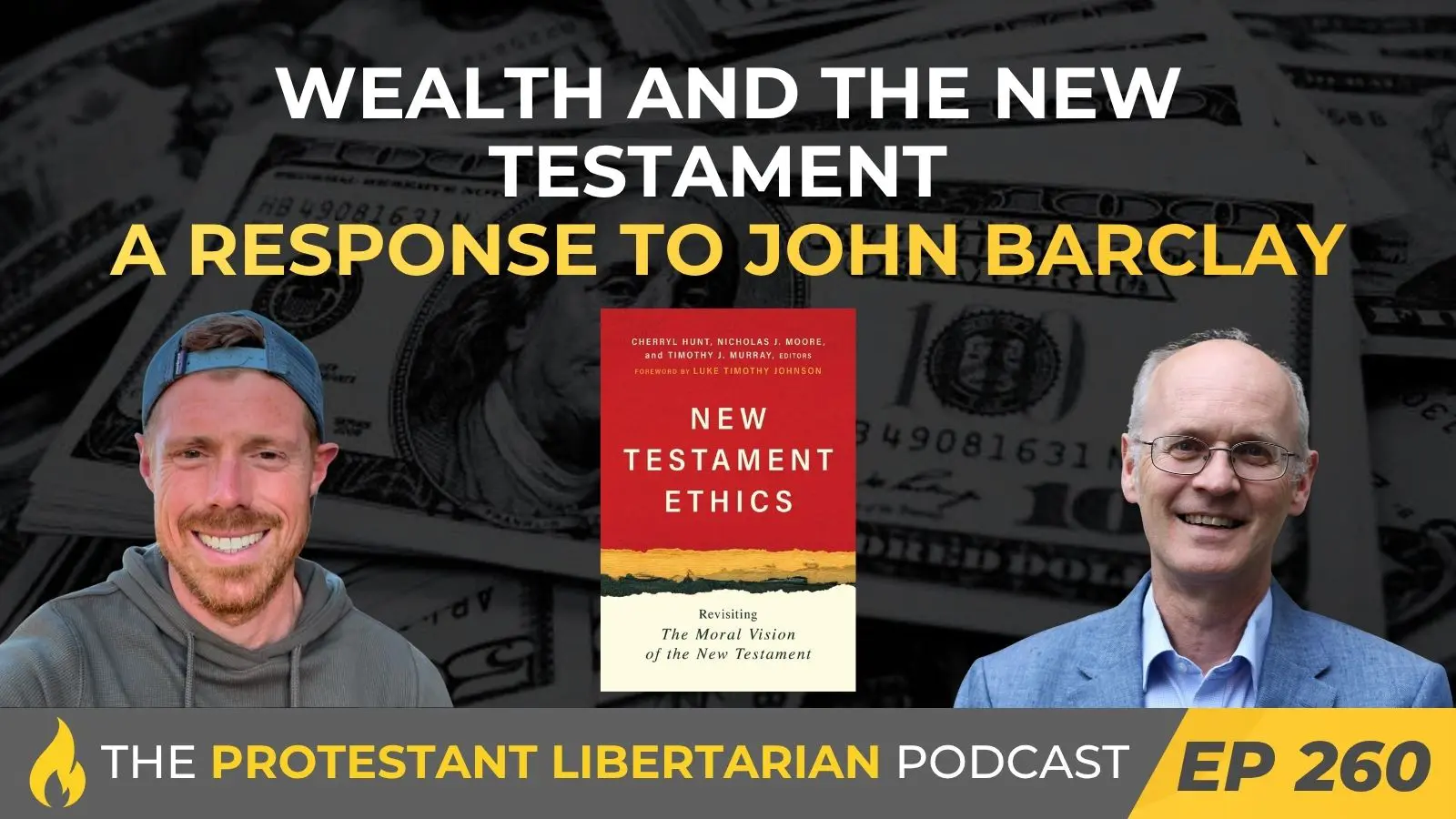
- Featured Image Graphic + link – IG, FB page & group, Twitter
28 DAYS AFTER PUBLISH
- Post to:
- LCI FB Page
- LCI FB Group
- YouTube
- <60 reel w/ ICYMI message – IG, FB page & group, YouTube